Food weight and protein content are different quantities. Record both when available and identify where the protein value came from.
Name the two quantities
A portion weighing 150 g does not necessarily contain 150 g of protein. Give the food portion and protein amount separate columns. This keeps a common shorthand error out of your totals.
Write enough detail to identify the food: product name, preparation, or recipe. Keep your original source available if you are using a database.
Make one example auditable
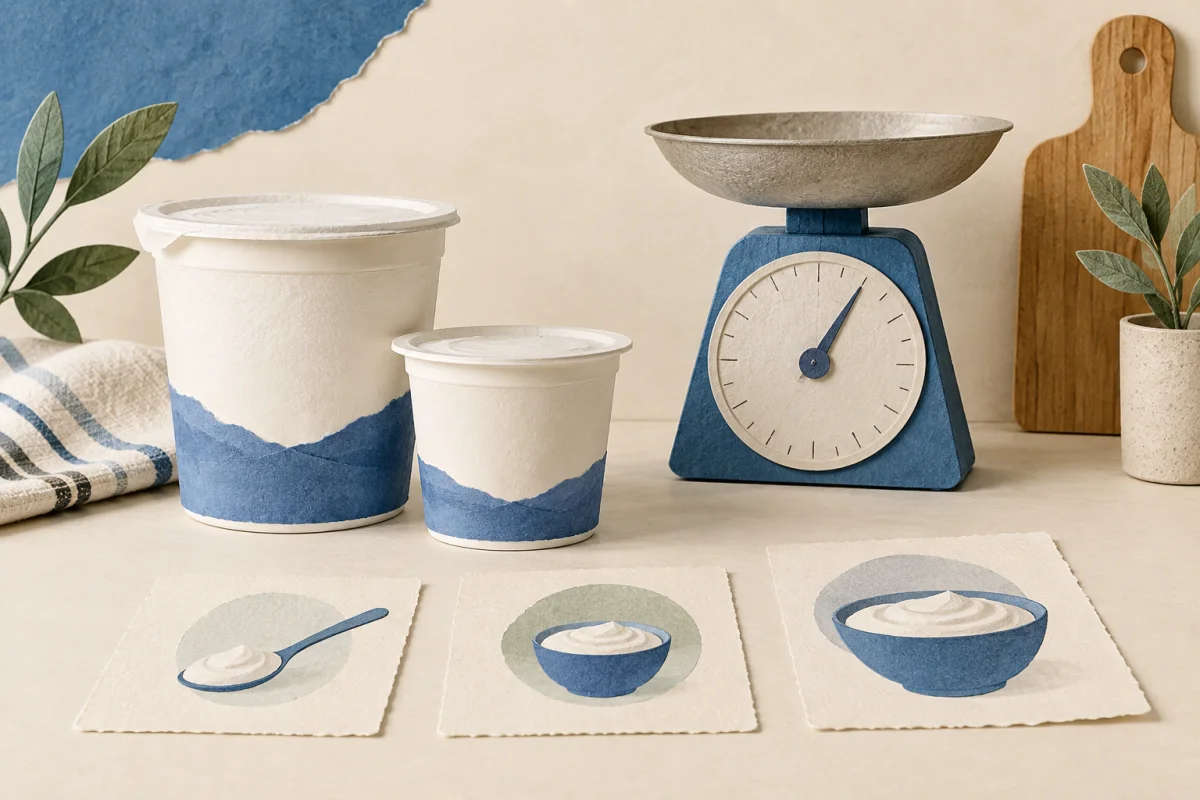
Suppose an invented product label states 8 g protein per serving. If you eat two of those servings, the log would show 16 g protein. Keep “two servings” in the portion field so someone can follow the calculation.
Food: sample yogurt. Portion: two labeled servings. Protein: 16 g, calculated from an illustrative label showing 8 g per serving.
Match raw or cooked weight to the database entry
The question is not simply whether weighing before or after cooking is better. The portion weight and the nutrition entry must describe the same food in the same preparation state. USDA FoodData Central descriptions can specify raw or cooked food and other preparation details; read the full description before selecting an entry.
For an invented example, suppose you weigh 120 g of a cooked food and find a matching cooked entry with 25 g protein per 100 g. The calculation is 120 × 25 ÷ 100 = 30 g protein. These are demonstration values, not nutrition data for a particular food. A raw-food entry cannot be substituted into that calculation just because its name is similar.
- If a batch weighed 400 g before cooking and 300 g afterward, the two weights alone do not establish its protein content. Do not apply a universal shrinkage percentage or assume all recipes lose the same amount.
- For a shared recipe, keep its version and the share eaten. Unequal portions or unevenly distributed ingredients make a simple equal-share estimate less certain.
- Use the protein portion calculator only after matching the food entry and measurement basis. Save the entry description beside the result so you can check it later.
| What you recorded | What to match or retain |
|---|---|
| Weight before cooking | An entry explicitly describing that raw food and the same edible portion |
| Weight after cooking | An entry describing the cooked food and preparation method |
| Package value with “as prepared” instructions | The preparation instructions and the basis used for the weighed portion |
| Only a remembered plate or photo | A description and an uncertainty note; no invented weight |
| Raw and cooked weights from different batches | Keep separate; do not use them as a conversion factor |
An auditable note could read: “120 g weighed after cooking; matching cooked database entry; 25 g protein/100 g; calculated 30 g.” If you discover the entry was raw, flag the old result and correct the source rather than silently changing the portion weight.
Match the food description before doing arithmetic
A database match should identify more than a familiar food name. Check whether the entry refers to the food as purchased or after preparation and whether its portion basis matches your measurement. A number for a different preparation should not become exact-looking just because the calculator accepts it.
If the match is uncertain, save the description you actually know and label the amount as an estimate. For a packaged product, retain the current label information rather than relying on an older entry with the same brand name. Formulations and package portions can differ. This is a record-checking task; it does not require judging the food as good or bad.
| Quantity | Example | Meaning |
|---|---|---|
| Food portion | 150 g of a labeled product | Weight of food eaten |
| Label basis | 10 g protein per 100 g product | Protein relative to a food weight |
| Calculated protein | 15 g | 10 × 150 ÷ 100 |
| Personal intake target | Not calculated here | Requires an appropriate individual plan |
Work through a recipe portion explicitly
Suppose a complete recipe has a calculated 48 g of protein and is divided into four equal portions. Each portion contributes 12 g under that assumption. If you eat one and a half of those portions, the record amount is 18 g. Keep the assumption about equal portions with the calculation; it is not established merely by writing “four servings.”
If you calculate the whole recipe from ingredients, do not also add those ingredient rows again when counting the finished meal. Keep either a recipe total linked to its ingredient calculation or the ingredient rows themselves. If you change the recipe, create an identifiable version so that last week's portion does not silently use this week's ingredients.
Review a day without hiding uncertainty
Before looking at totals, look at coverage. Did you record every meal and snack you intended to include, or only selected foods? Are amounts measured, copied from a label, or estimated? A total made from incomplete entries should be described as the sum of recorded items, not automatically as total daily intake.
Use the food record to state the date range and recording method. Useful questions include whether your portion descriptions are clear and which source your dietitian prefers for a frequently eaten food. Keep protein targets and clinical decisions outside the arithmetic tool. The calculator simply applies a label ratio; it cannot tell whether an intake is appropriate for your circumstances.
Review the record without turning it into a prescription
Look for entry errors, missing portions, and duplicate meals before considering the total. Ask a qualified professional for an individual target when you need one.
Protein Tracker+ offers food logging and report features. The free browser log is useful for a short record or a printable sheet; it does not recommend protein amounts for a medical condition.
Sources & checks
- FDA: understanding the Nutrition Facts label ↗
Label quantities are tied to serving size. Daily Values are general references, not personalized prescriptions.
- USDA FoodData Central: Foundation Foods documentation ↗
Food descriptions include preparation state and other food characteristics. Use the matching description; the worked nutrient values here are invented.
- Current App Store listing: Protein Tracker+ ↗
Checks the companion app’s stated features and its limitations; not independent evidence of health benefits.
Checked against these sources on 2026-09-29. The worked examples and record layouts are original illustrations. They are not real patient records or evidence of treatment effectiveness. This is educational content, not individual medical advice or a clinician-reviewed treatment plan.
Our editorial process · Suggest a correction