kJ and kcal are two units for food energy. When both appear for the same serving, they describe the same energy in different units; do not add them. Match your record’s unit and the label’s portion basis.
One energy amount, two ways to display it
NHS food-label guidance explains that energy is shown in kilojoules (kJ) and kilocalories (kcal), with kilocalories usually called calories in everyday food discussion. The larger-looking kJ number does not describe an extra component of the food.
Begin by finding the complete energy line and its column heading. If your food record asks for kcal and the package already shows kcal, copy that figure for the appropriate quantity. There is no benefit in converting the kJ figure back to a number the label already supplies.
Check the column as carefully as the unit
A package may show energy per 100 g and per portion. Those are different quantities of food, not conflicting energy estimates. Choose the column you can connect to your amount, and keep the basis beside the value.
The invented example below uses rounded label numbers. It is intended to show the reading task, not reproduce a real product. A 60 g amount is one and a half times a 40 g portion.
| Food quantity | Energy in kJ | Energy in kcal |
|---|---|---|
| 100 g | 1,600 kJ | 380 kcal |
| 40 g portion | 640 kJ | 152 kcal |
| 60 g amount, scaled from label | 960 kJ | 228 kcal |
Work from one unit throughout the calculation
For the 60 g amount, use 152 kcal × 1.5 = 228 kcal. Alternatively, use 380 kcal × 0.6 = 228 kcal. Both routes retain the same unit and give the same label-based estimate. Do not add 960 to 228: those numbers are alternate units for the same estimated energy.
If only kJ is available and your app requires kcal, use a clearly labeled conversion tool and preserve the original value. Check that the tool converts energy units, not food weight. Avoid a guessed shortcut when the original package or manufacturer can supply the matching kcal entry.
Check additions before saving a meal
A front-panel figure might describe the product alone, while an “as prepared” column includes a stated addition. Read the preparation note before adding milk, oil or another ingredient separately. Otherwise you can accidentally count an addition twice.
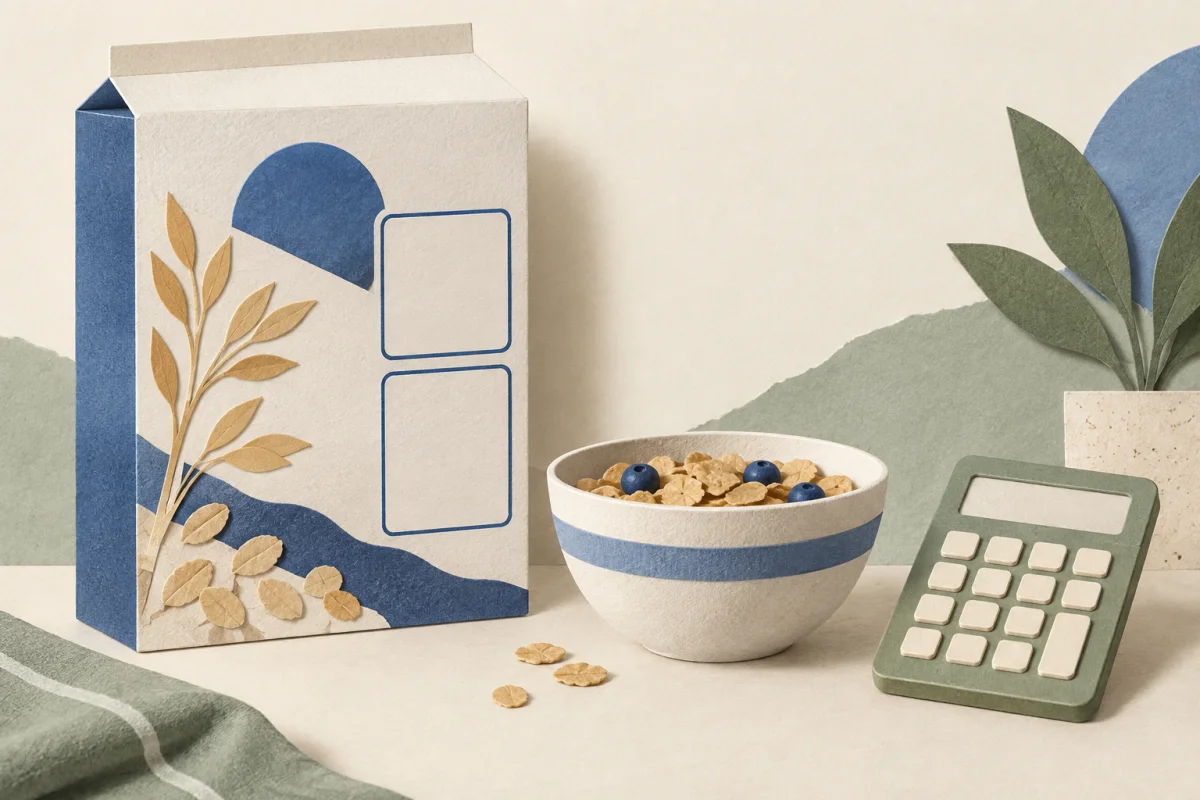
For an entry saved as cereal alone, record any milk separately if you choose to estimate it. For a manufacturer’s prepared serving, retain its assumed ingredients and quantities. If your preparation differs, the printed prepared-serving total may not describe your meal.
A transparent note: “60 g cereal; package energy 380 kcal per 100 g; estimate 228 kcal for cereal only; milk recorded separately.” These are fictional quantities and are not a suggested serving or calorie target.
Correct a unit mistake without rewriting the meal
If an older entry copied kJ into a kcal field, check the source before editing it. Preserve a note about the correction, especially if someone else has already received the report. If the label is unavailable, mark the old estimate uncertain rather than reconstructing a precise value from memory.
The free food log allows a descriptive record when a number is not useful. The honest-estimates guide explains uncertainty. The portion tool scales entered quantities; it does not choose a personal energy allowance. Tracking is optional, and food descriptions can be sufficient for a discussion with a dietitian.
Sources & checks
- NHS: Food labels ↗
kJ/kcal energy labeling, per-100-g and portion bases; reviewed June 2026.
- Current App Store listing: Calorie Counter - BiteSync ↗
Public US listing checked September 30; recording or sound features only, not evidence of health benefit.
Checked against these sources on 2026-09-30. Examples and worksheets are original illustrations, not real patient histories or clinical validation. This is educational content, not individual medical advice or a clinician-reviewed treatment plan.
Our editorial process · Suggest a correction